
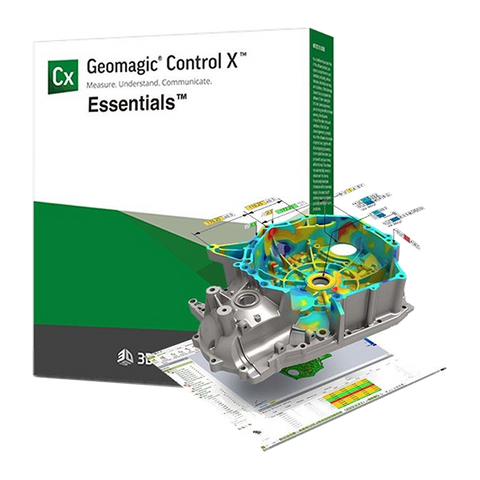


Geomagic Control X Essentials Inspection
Description
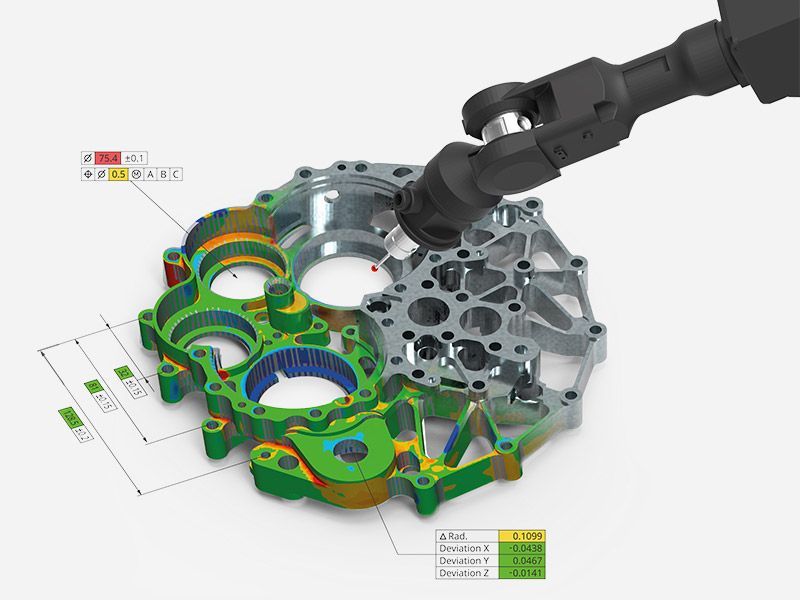
GEOMAGIC CONTROL X SOFTWARE WITH 1ST YEAR MAINTENANCE Geomagic® Control X™ is a professional 3D quality control and dimensional inspection software that lets you capture and process the data from 3D scanners and other portable devices to measure, understand, and communicate inspection results to ensure quality everywhere. Inspection isn’t just for metrology specialists. Geomagic Control X empowers everyone to measure, understand, and make decisions about their parts faster, more often, and more completely—from anywhere. Ensure quality everywhere. Bring the power of 3D scan-based inspection to more people in more places with software that makes it easy to both capture and interpret scan data. Gain deeper insights beyond pass/fail. Scan parts to capture more information and leverage rich data to understand why parts are in or out of tolerance. Optimize manufacturing processes. Recognize and address issues faster with insights gained from comparing scanned parts to CAD models or golden parts.
Downloads
| Geomagic Control X Essentials operates as a cost-optimized 3D inspection and metrology software platform built on the Geomagic Control X Professional framework, processing 3D scan data at rates up to 1 million points per second across portable CMMs and non-proprietary 3D scanners. The software reduces training time by 80% compared to traditional metrology tools through a CAD-like interface validated by 3D Systems’ usability studies. |
| For more Geomagic software options — including Geomagic Control X, Geomagic Design X, Geomagic SolidWorks, and others — browse our website. |
Why choose Control X Essentials?Control X Essentials achieves 96% alignment accuracy during scan-to-CAD comparisons using its proprietary initial alignment algorithm, which completes in 12 seconds for parts with fewer than 500,000 polygons. The software supports 8 international metrology standards, including ISO 10360-8 and ASME B89.4.1, ensuring compliance for aerospace, automotive, and medical device applications. |
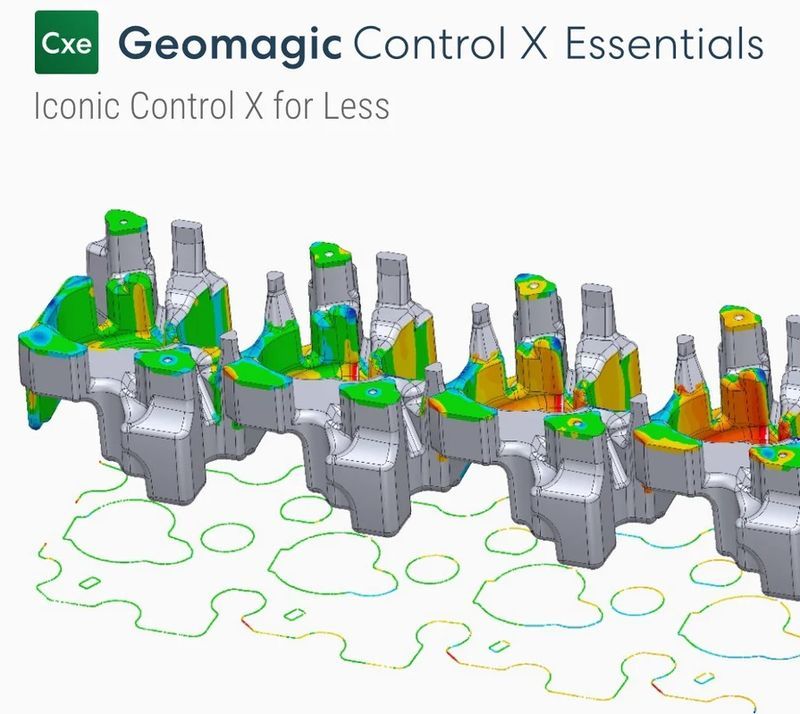
| Users require 8 GB of RAM and 30 GB of storage to process datasets exceeding 100 million points, with NVIDIA Quadro GPUs enabling real-time rendering of deviation maps at 60 FPS. The Essentials package omits direct plugin 3D scanning and multi-result inspection tools available in the Professional edition but retains core functionalities for dimensional analysis, GD&T reporting, and surface defect detection. |
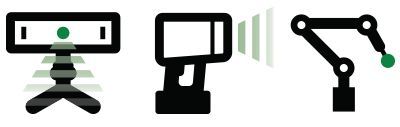
WorkflowsThe software executes a 3-stage alignment hierarchy described below.
Batch processing automates up to 50 concurrent inspection routines, cutting per-part analysis time by 64% in high-volume manufacturing environments. |
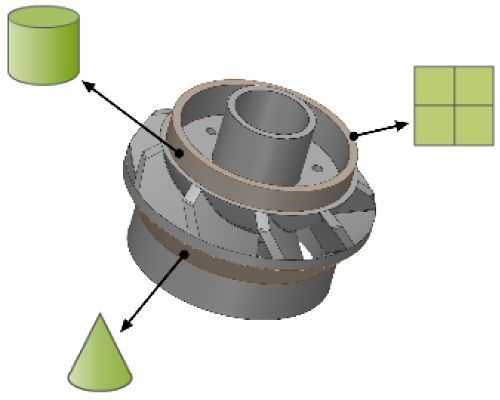
WorkflowsThe software executes a 3-stage alignment hierarchy described below.
Batch processing automates up to 50 concurrent inspection routines, cutting per-part analysis time by 64% in high-volume manufacturing environments. |

ApplicationsControl X Essentials enables quality control and inspection across a wide range of industries and applications.
|
CompatibilityControl X Essentials ingests data from 37 scanner models, including Faro Quantum S, Zeiss T-SCAN Hawk 2, and Nikon LS100, through native plugins or generic PLY/OBJ formats. The software’s API allows Python scripting to automate GD&T checks, with sample scripts reducing inspection plan creation time from 45 minutes to 8 minutes. Minimum system requirements
Certifications
|