GEOMAGIC
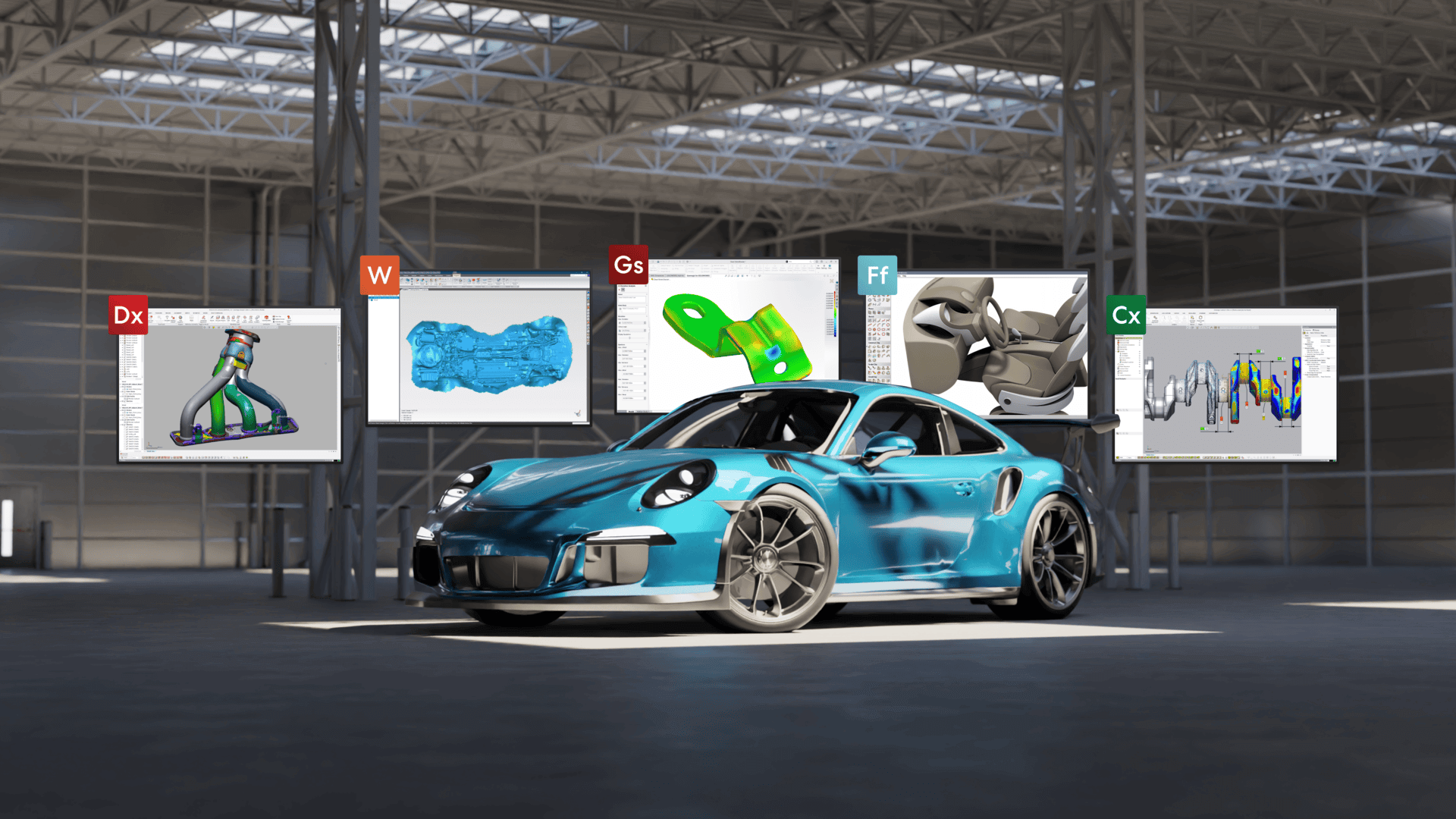
Geomagic 3D Software for Reverse Engineering & Inspection
Geomagic by Hexagon provides professional software for reverse engineering, scan-to-CAD, 3D inspection and scan data processing. Its solutions help users convert physical parts into editable CAD models, analyse dimensional variations and create accurate 3D models from captured scan data.
Lightwave Technology supplies Geomagic Design X, Control X, Wrap and Geomagic for SOLIDWORKS in Australia, helping customers select the right solution for their design, manufacturing and inspection workflows.
 |
 |
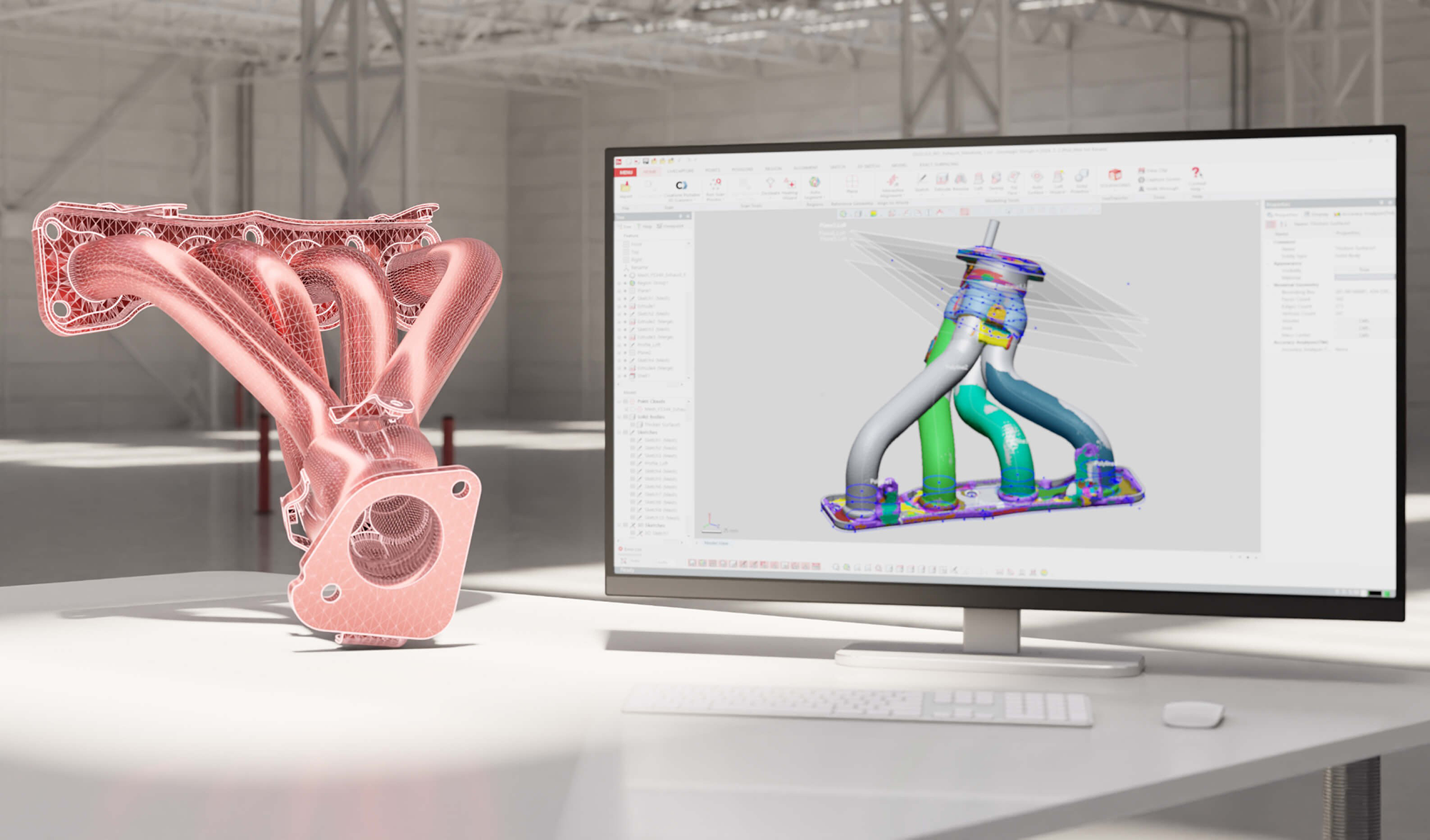
Geomagic Design XIndustry-leading reverse engineering software. Quickly and accurately create CAD models with 3D scan data from any scanner. |
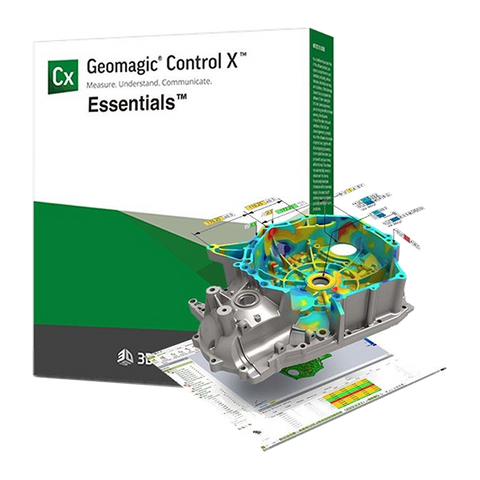
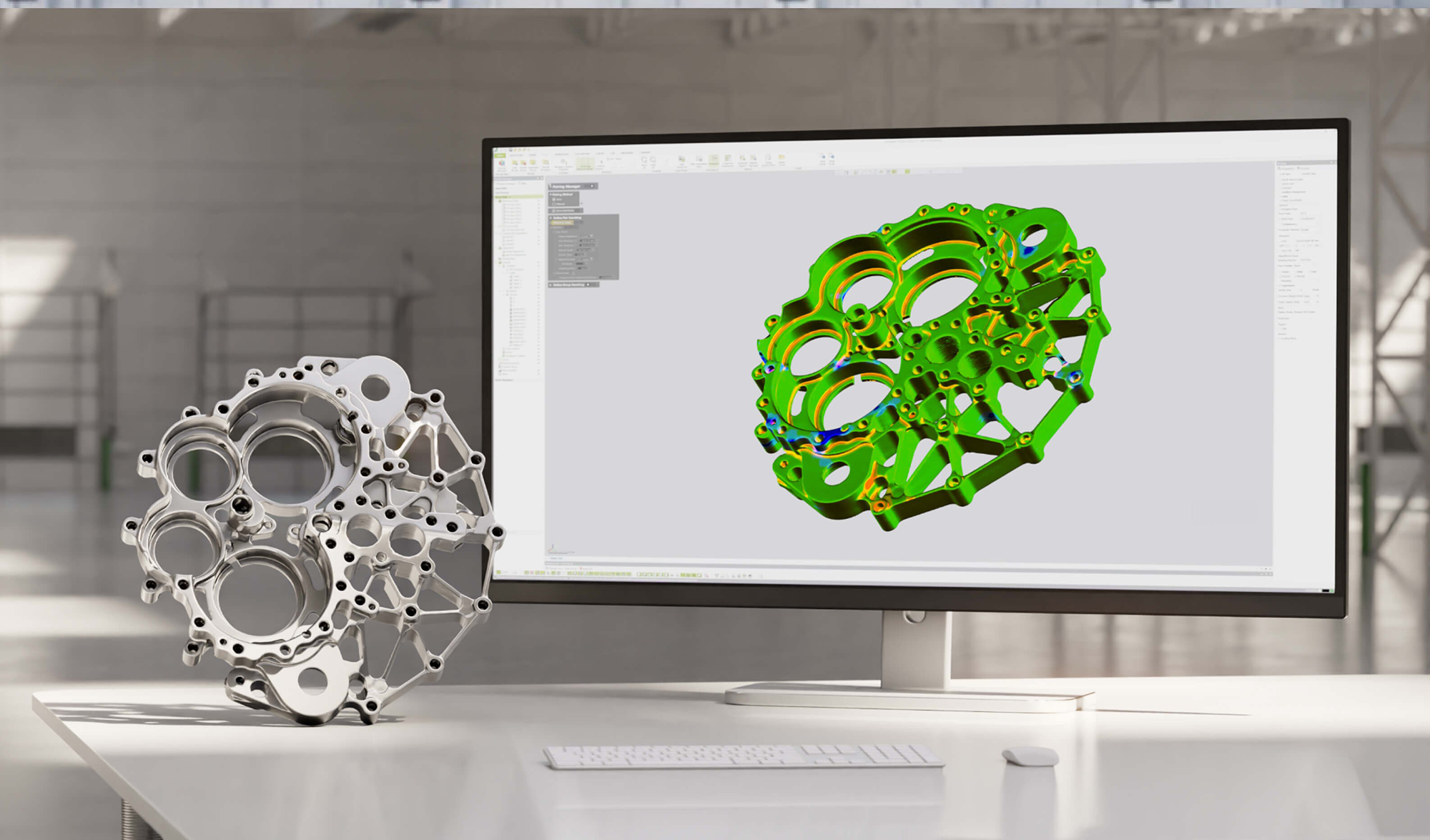
Geomagic Control XWe’re making inspection simpler. Capture and automate the processing of data from any 3D scanner and portable CMM. |
 |
 |
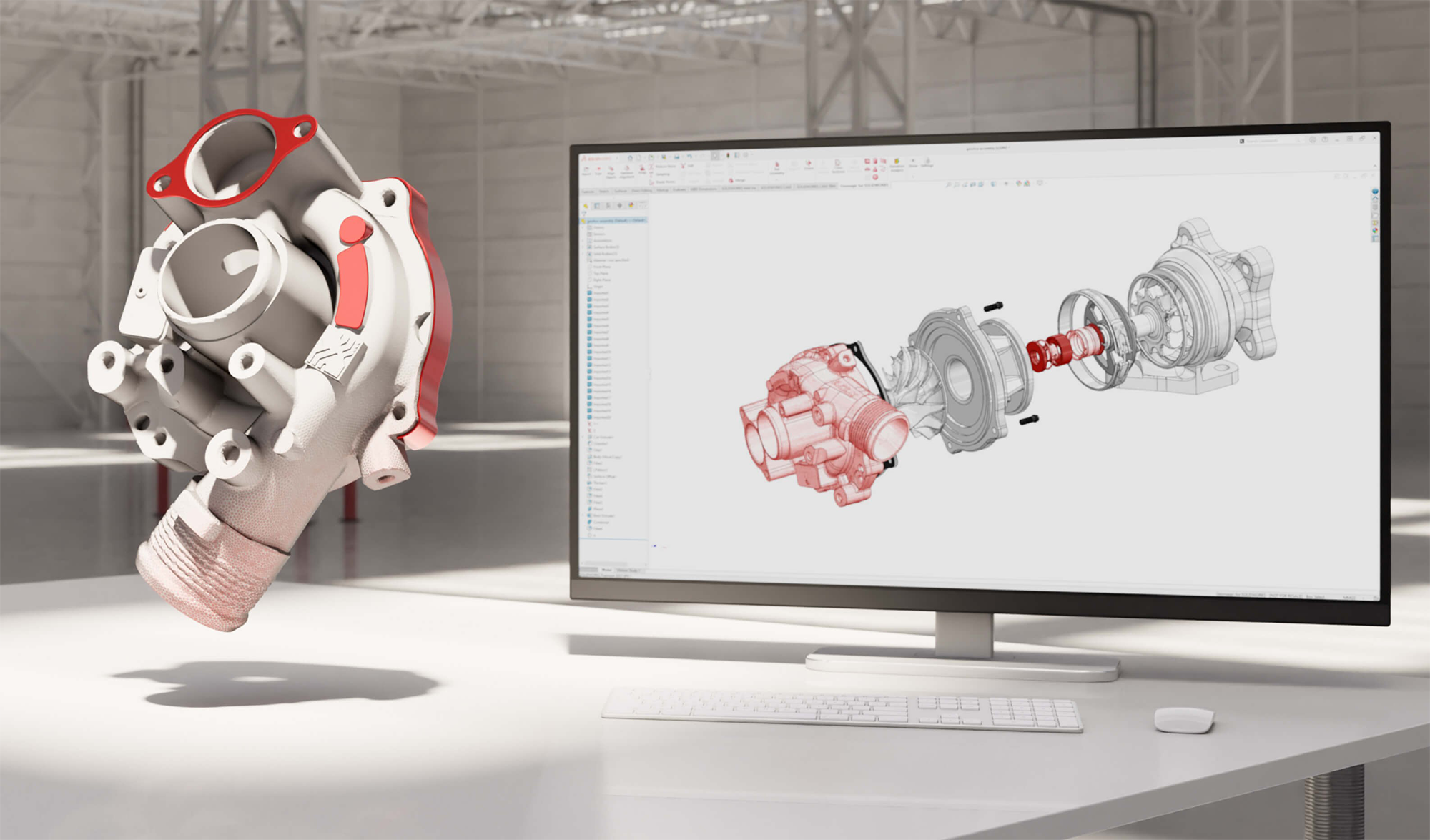
Geomagic for SOLIDWORKSA straightforward path from point cloud to complete CAD design file, directly inside of your SOLIDWORKS environment. |
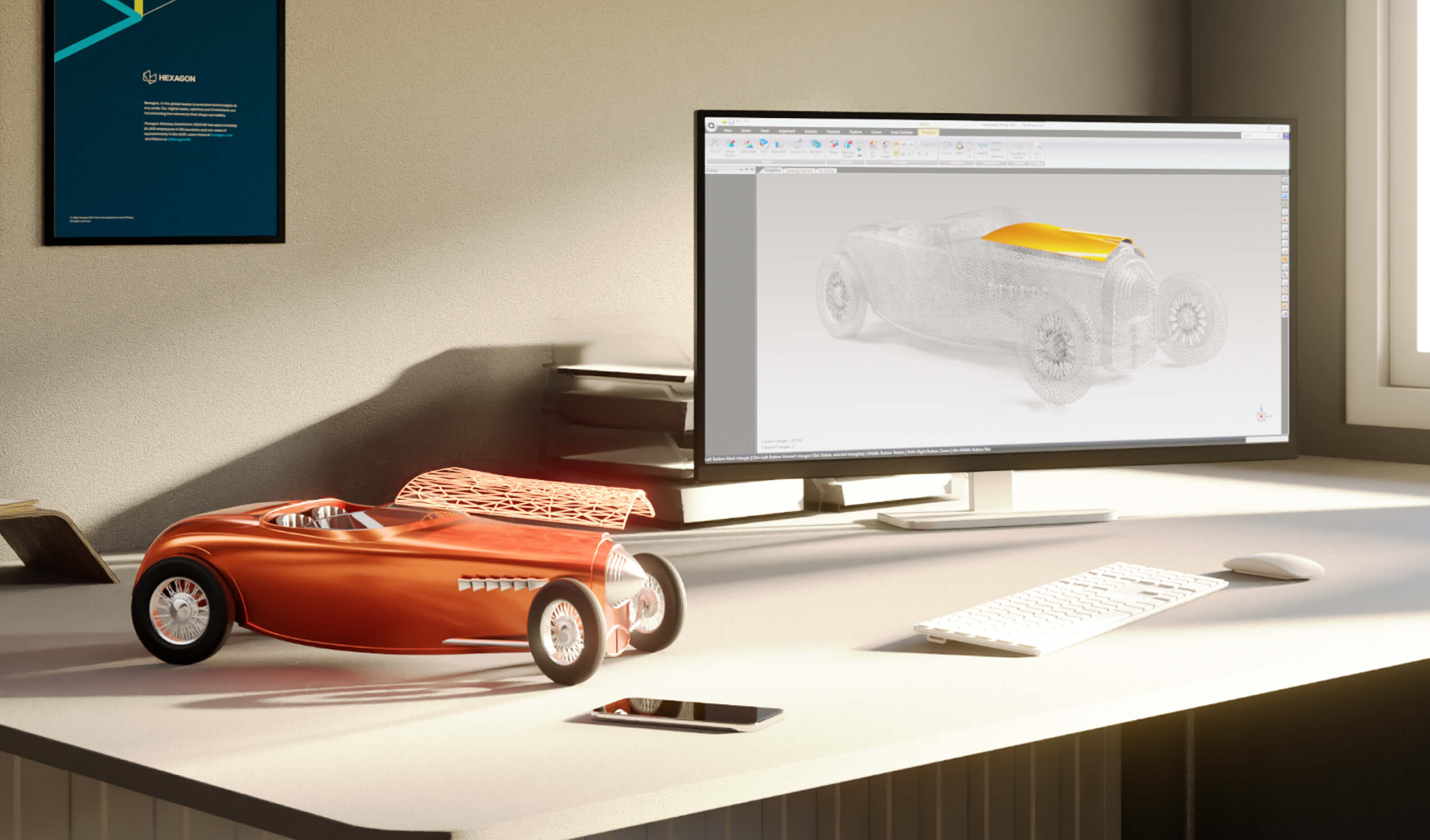
Geomagic WrapA powerful toolbox for transforming 3D scan data of complex, organic shapes into accurate, usable 3D models. |
How can I request a demo of Geomagic software?
Contact the Lightwave Technology team to request a demonstration. Let us know which solution you are interested in—Geomagic Design X, Control X, Wrap or Geomagic for SOLIDWORKS—and briefly describe your application so we can arrange the most relevant demonstration.
What languages does Geomagic software support?
Geomagic software is available in a range of languages, including English, Chinese, Japanese, Korean, German, Italian, Portuguese, Spanish, Polish, Turkish, French and Czech. Language availability may vary by product and software version. Contact Lightwave Technology to confirm the languages available for your selected Geomagic solution.
What are the system requirements for Geomagic software?
System requirements vary depending on the Geomagic product, software version, and complexity of your scan data. Before installation, check the latest requirements for Geomagic Design X, Control X, Wrap or Geomagic for SOLIDWORKS, including the supported operating system, processor, RAM, storage and graphics card.
View the latest system requirements or contact Lightwave Technology for assistance in checking your computer configuration.
Not sure which Geomagic solution fits your workflow?
Tell us what you need to achieve with your 3D scan data. The Lightwave team can help identify the right Geomagic software or combination of tools for reverse engineering, scan-to-CAD, mesh processing and dimensional inspection.